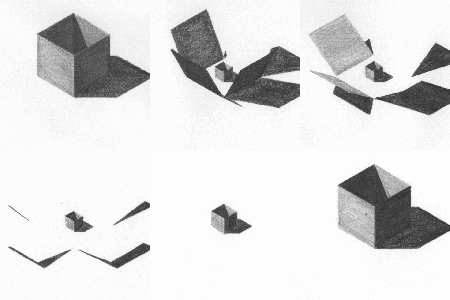
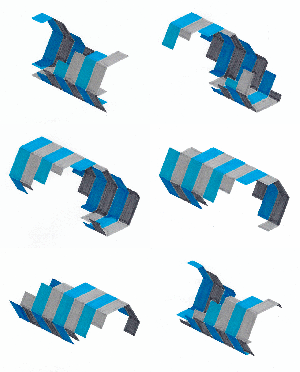
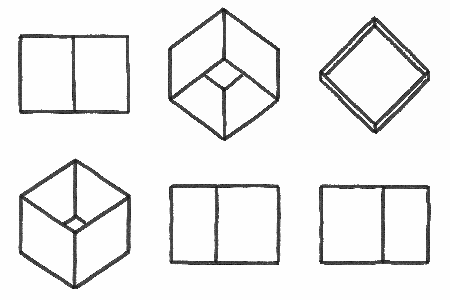
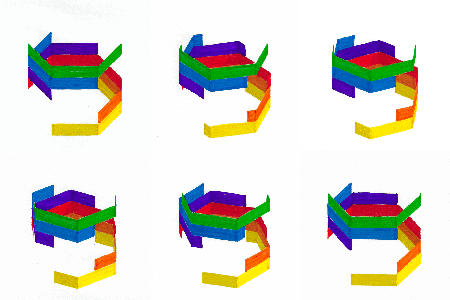
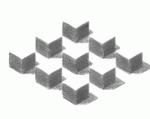
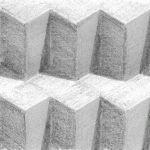
Germany-based artist Benjamin Zimmerman the creator of KonkreteGifs uses pencils and Stabilo markers to create hand-drawn geometric animations. You can see his new work on Tumblr and follow him on Twitter. (via Cross Connect)
the one problem i have with people my age and younger is that a lot of us do not have hands on hobbies. like i have spoken to so many people my age who go to work, go to school and then fuck around on their phone/computer for hours and then ???????? like no wonder ur depressed and have low confidence in urself. u need to get ur hands on something, feed those dopamine receptors! learn how to play guitar, garden, scrapbook, fucking make model trains. i don’t give a shit, MAKE SOMETHING!!
it feels better than drugs when i finish making a thing—and then show it off or gift it.
and then so people my age say to me ‘well—i can’t draw/paint/knit/etc. like you can. my stuff would be terrible.’ yeah, well duh—a part of developing skill is sucking at something and then practicing it over and over and over again until you suck less. u’ll have a hard time feeling lonely or bored when you can’t stop thinking abt a technique you want to try or something you want to make for someone else. making things has SAVED MY LIFE. it gave me a reason to keep living day after day when i wanted to die.
making things have improved my generational relationships (when i worked for the newspaper i would talk to customers abt jamming recipes or cross-stitch, one of my grandmas always gives me pattern books and tell me abt when she knitted things for mom, my other grandma is giving me a wedding quilt that HER grandma gave her 50 years ago because she knows i will appreciate it). it also got me likeminded friends who also make things.
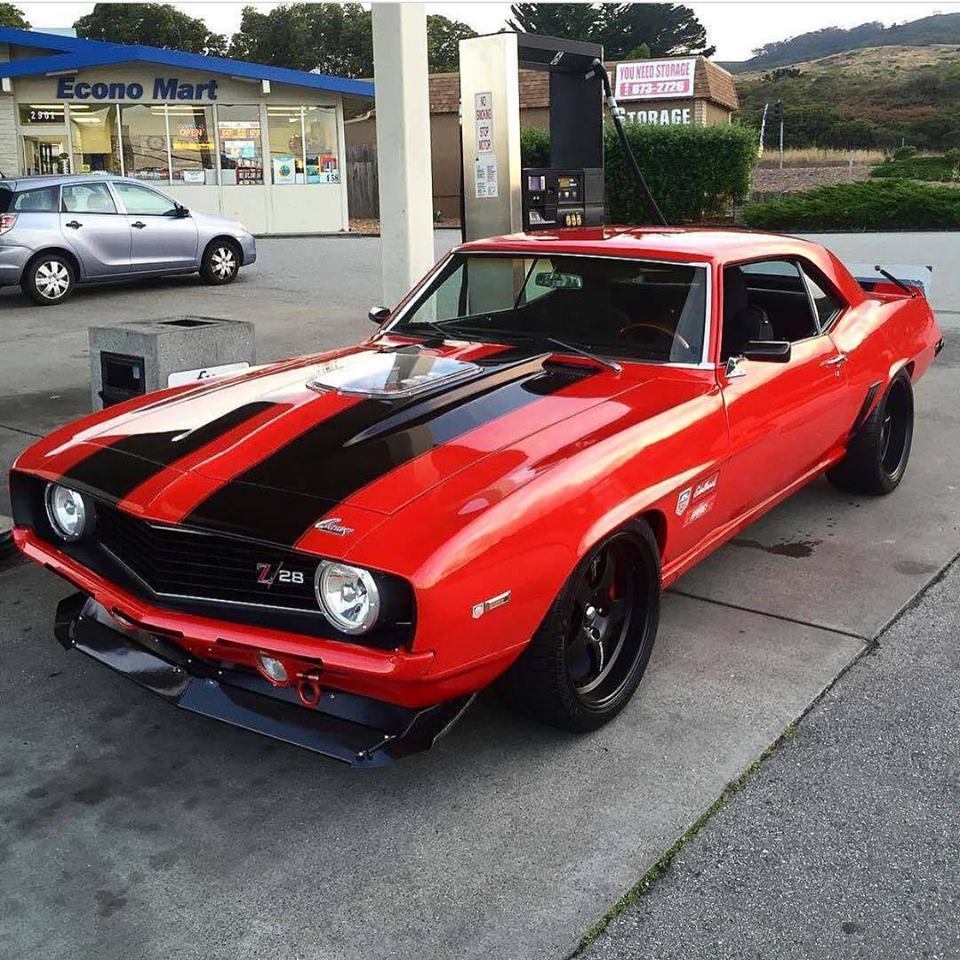
take a ceramics class! pick up water colors, bake cakes! learn to work on cars! make soap. DO SOMETHING THAT DOESN’T INVOLVE STARING AT A SCREEN.
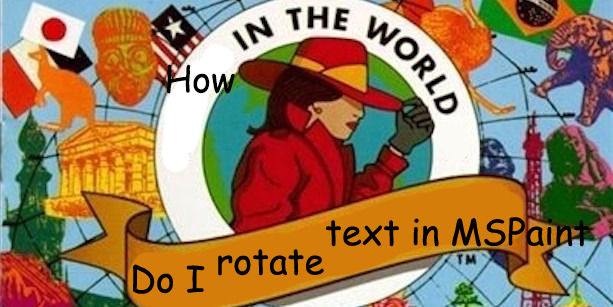
you ever see an image and think “i may see something as funny as this again, but never anything funnier”
ALL RIGHT YOU LITTLE SHITS GET READY TO LEARN SOMETHING
yOU WANNA ROTATE TEXT?! well mod 5ider has got the fucking t r i c k s homie
Step one: Type something.
P E R F E C T.
sTEP TWO: FIND THE RESIZE OPTION.
You see that little resize button on your menu?
Yeah, that’s the one. you can just click that shit!
On older versions of MS Paint there isn’t this option, but you can always find it with a quick right-click.
THERE IT FUCKING IS!!!!!
STEP THREE: STRETCH AND SKEW
When you click resize, this menu comes up.
I’m sure you all have seen this menu before, but for those who don’t, I’ll clue you in. The top options control the length and respective width of your artwork. you can choose to alter them separately,
or all together
Using that little “Maintain Aspect Ration” checkbox there, but that’s not important right now.
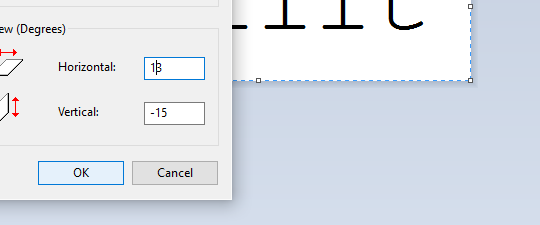
wHat we’re focusing on is that skew option on the botttom.
with that you can t i l t whatever image yuo have on your screen to the left
to the right
up
and down.
“BUT 5IDER!!!!!” you say, “THAT DOESN’T LOOK ROTATED AT ALL”
wELL HOLD ON TO YOUR LUG NUTS BECAUSE I T ’ S T I M E F O R
STEP 4: ULTRA COMBOOOOOOOO!!!!!
now, comes the fun part. unlike its aspect ratio locked cousin, the stretch and skew options work independently from one another. So, you can do things like
and
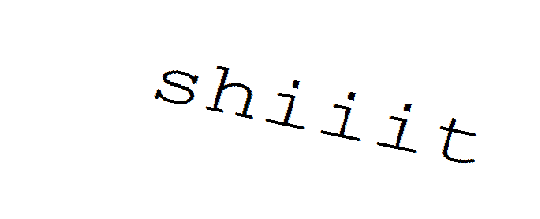
But that’s neither here nor there… what gets REALLY interesting is when your ratios are in opposite directions..
HOME RUN!
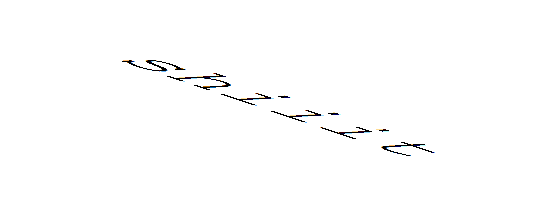
Now, before I let you go, I found out through trial and error that an angle doesn’t exactly match up with its negative dimension…
(Step 5: Angular ratios)
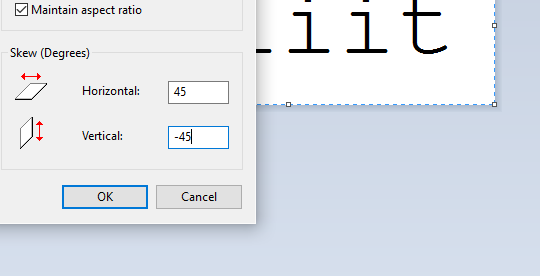
See? there’s a little offset between vertical and horizontal if your expect your text to appear natural instead of tilted. The only places that this offset reaches zero is at 90° (of course) and the rare and extremely dangerous 45° rotations.
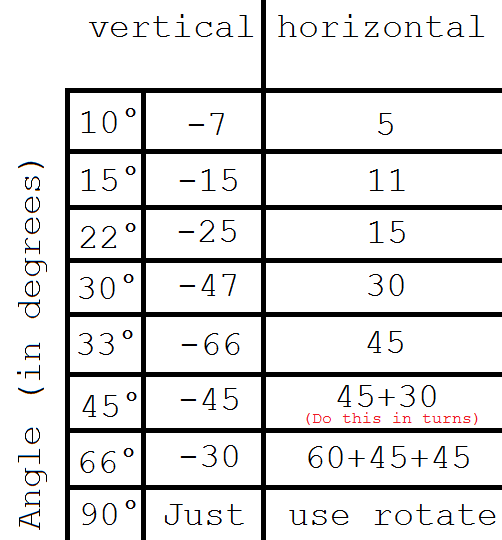
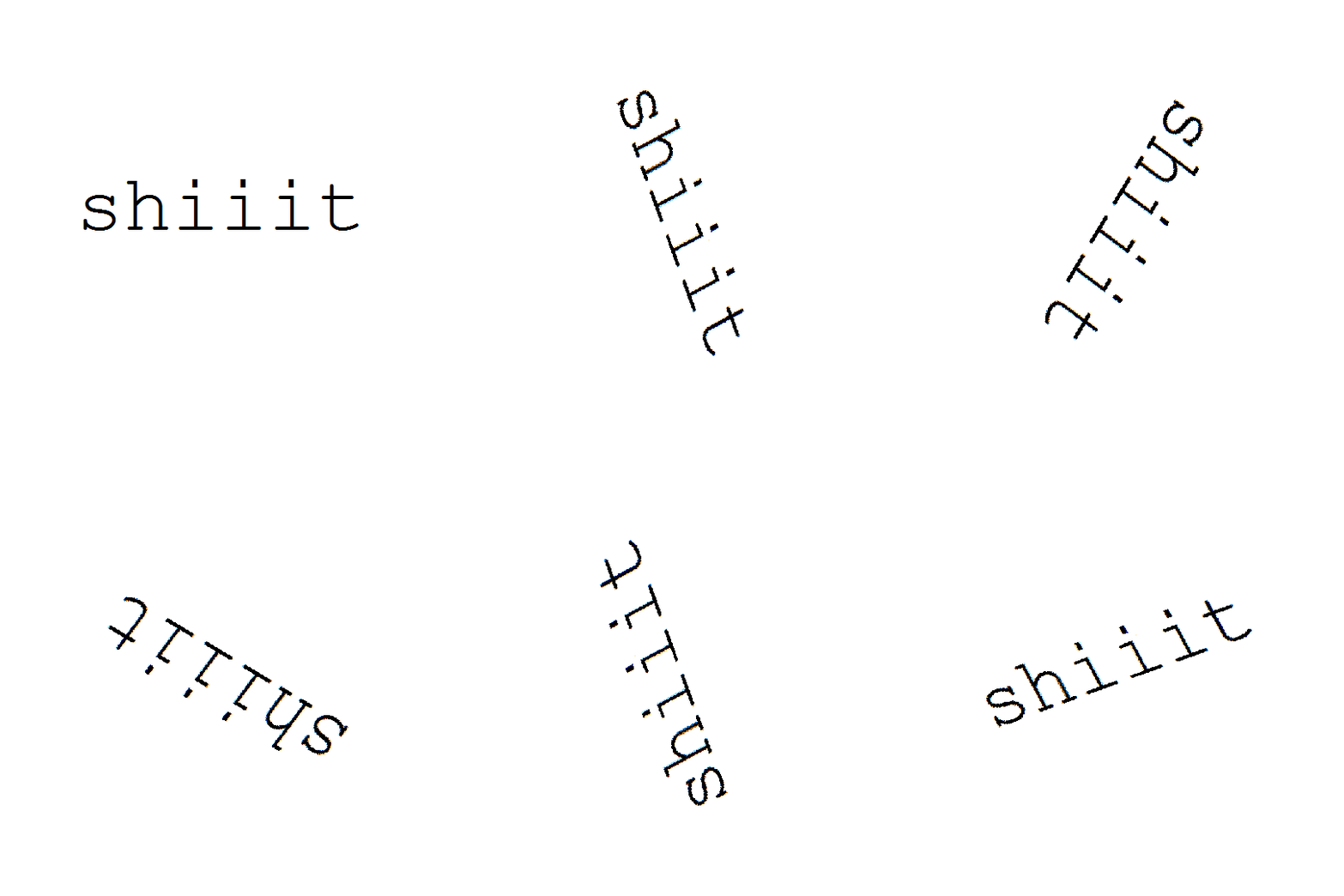
Fortunately, I’ve already mapped out a few angles that I find are very useful in my works so, for your viewing pleasure… i present my handy dandy graph
All you have to do is match up your desired angle up to its respective complement and you have quickly and efficiently rotated your first word in MS Paint.
Have fun!
You know, you guys really seemed to enjoy this post.
Should I do more MS Paint tutorials in the future?





 Time's Vengeance